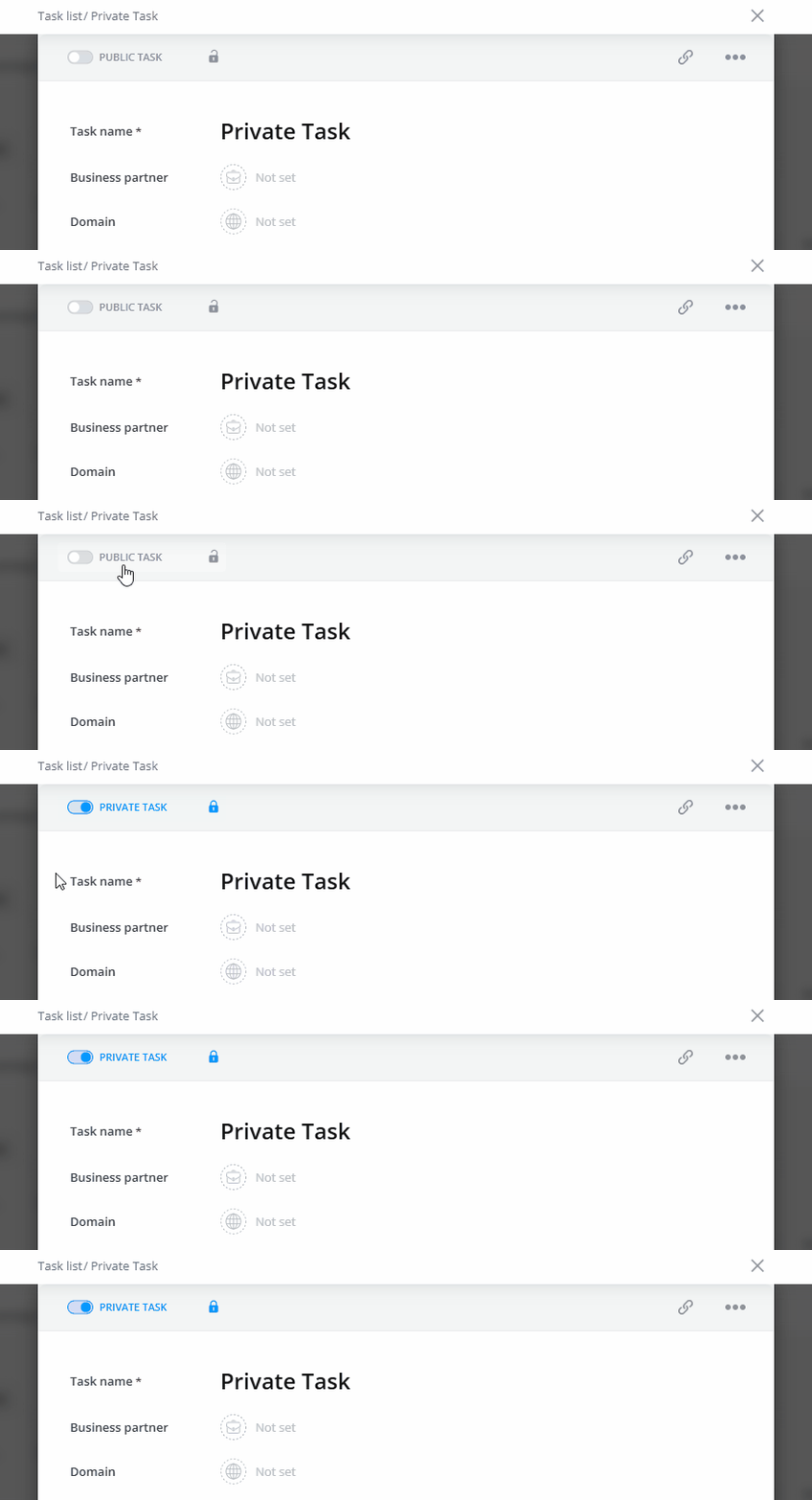
¶ I. TastyTask Allows the Creation of Both Public and Private Tasks
By default, newly created tasks are set to public.
➡️ Public tasks in TastyTask are visible to the task’s Creator, the Assignees, the Observers, and the Administrators within your organization who have access to public tasks of other users. This option is particularly useful during a colleague’s extended absence, as tasks can be reassigned to another team member for completion.
➡️ Private tasks in TastyTask are visible only to the task’s Creator and those assigned as Assignees or Observers. Administrators cannot view or edit private tasks of other users.
This means that:
- Other users, including Administrators, will not see your private tasks unless they are assigned to the task or added as observers.
- A private task linked to a specific trading partner will not be visible on their profile to other users. It will only be accessible to authorized users (Creator, Assignees, and Observers).
Guests are not permitted to create private tasks.
¶ II. How to Identify Whether a Task Is Public or Private?
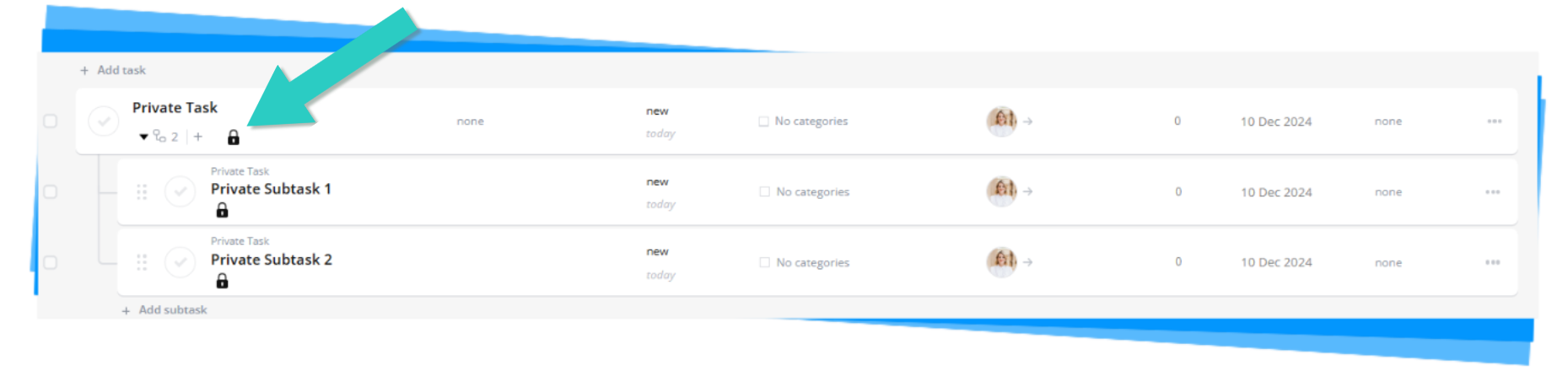
➡️ On the task board, private tasks are marked with a padlock icon under the task name.
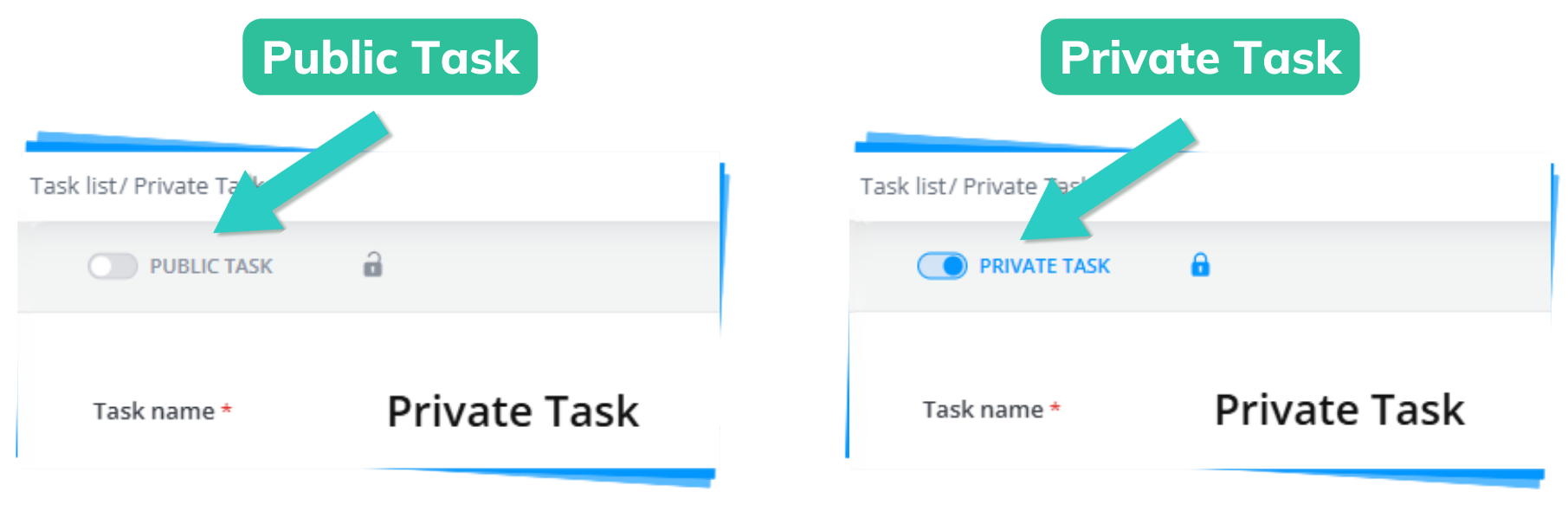
➡️ In the task form, private and public tasks are labeled above the task name.
- Public task - open padlock
- Private task - closed padlock
¶ III. How to Add a New Private Task
New tasks are set to public by default.
To create a new private task:
- from the task board view:
Click the padlock icon padlock located on the left side, next to the task name.

- from the task form view:
Click the Public Task toggle at the top of the form, above the task name, to switch it to Private Task, and then save the task.