¶ I. How to Add a New Business Partner?
Manage projects focused on your business partners. Efficiently plan and oversee individual tasks as well as complete projects for your suppliers, clients, and collaborators.
You no longer need to sift through client websites or juggle multiple systems. With TastyTask, all essential information about your business partners is in one place.
You can track tasks, assigned managers, domains, and more. By linking tasks with business partners, you’ll always stay updated on the tasks you’re working on for them. You can also assess which business partners require the most time and effort, then assign the right managers from your organization to handle them.
In TastyTask, you can add business partners in two ways:
🔹 Add them manually.
🔹 Import data from a CSV file.
¶ II. Adding Business Partners Manually
1. Navigate to the Business Partners tab and click the plus  button in the upper-right corner and select the Add Manually option to open the new business partner form.

2. Fill in the form:
➡️ the required fields:
- select a status,
- enter the full name of the business partner.
➡️ Additionally, you can complete the following optional fields:
- Tax Identification Number (NIP),
- domain (business partner’s website address),
- business partner’s address details,
- contact details of individuals you collaborate with at the business partner’s organization,
- assign a manager from your company to oversee the business partner,
- add personal notes about the business partner.
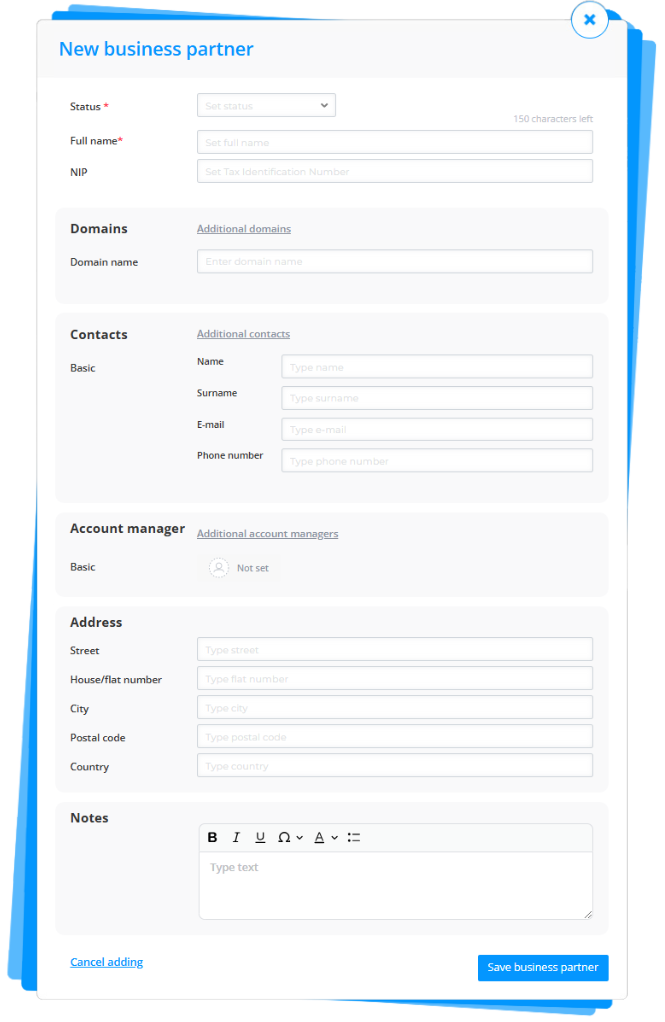
4. Once you’ve filled in the fields, click the Save business partner  button.
Congratulations! The new trading partner has been added.
¶ III. Adding Business Partners via CSV File
1. To correctly add business partners, first download the CSV file template.
➡️ Step 1. Navigate to the Business Partners tab and click the plus button located in the upper-right corner.
➡️ Step 2. Select the option Add new from CSV file".

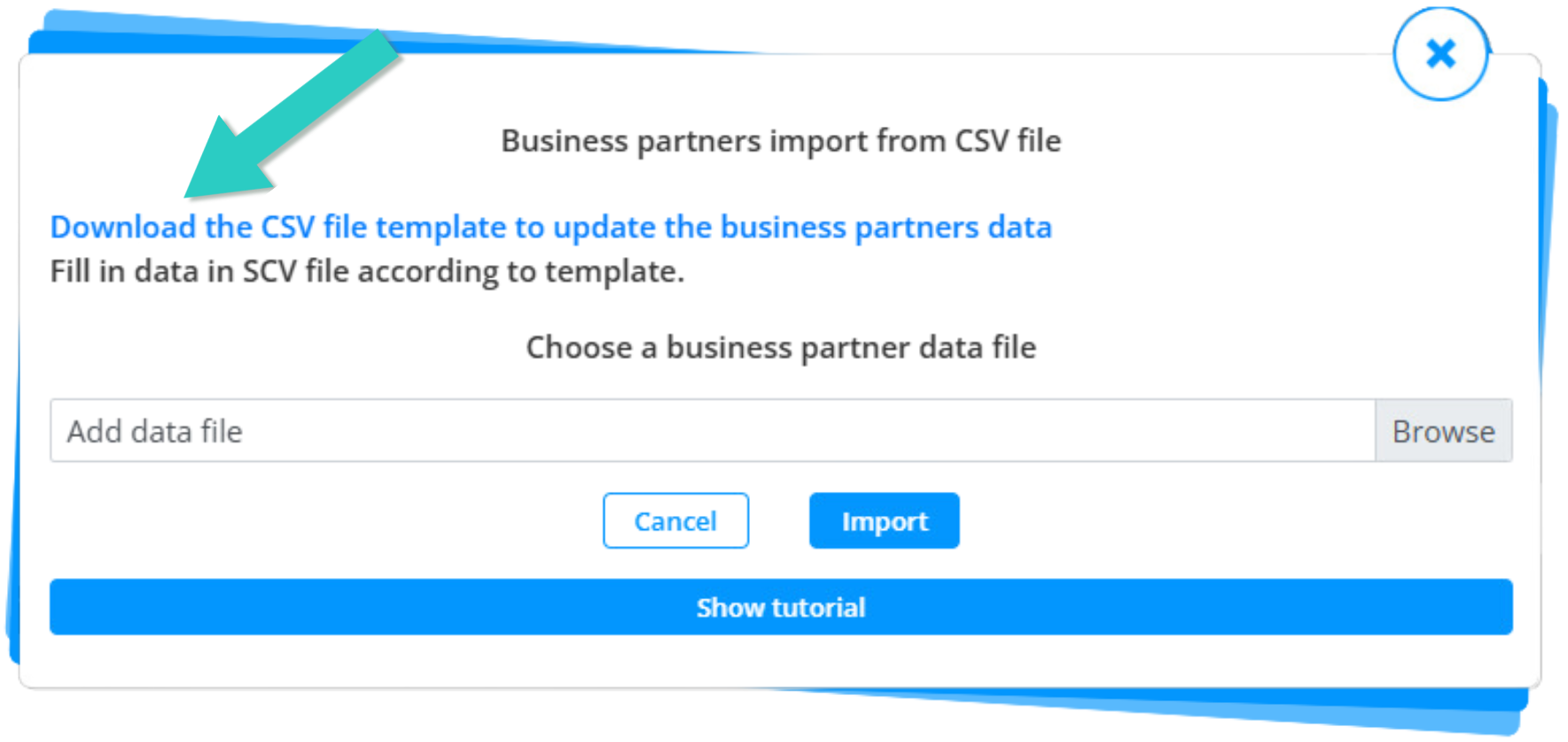
2. In the CSV import form for business partners, click the link "Download the CSV file template to update the business partners data".
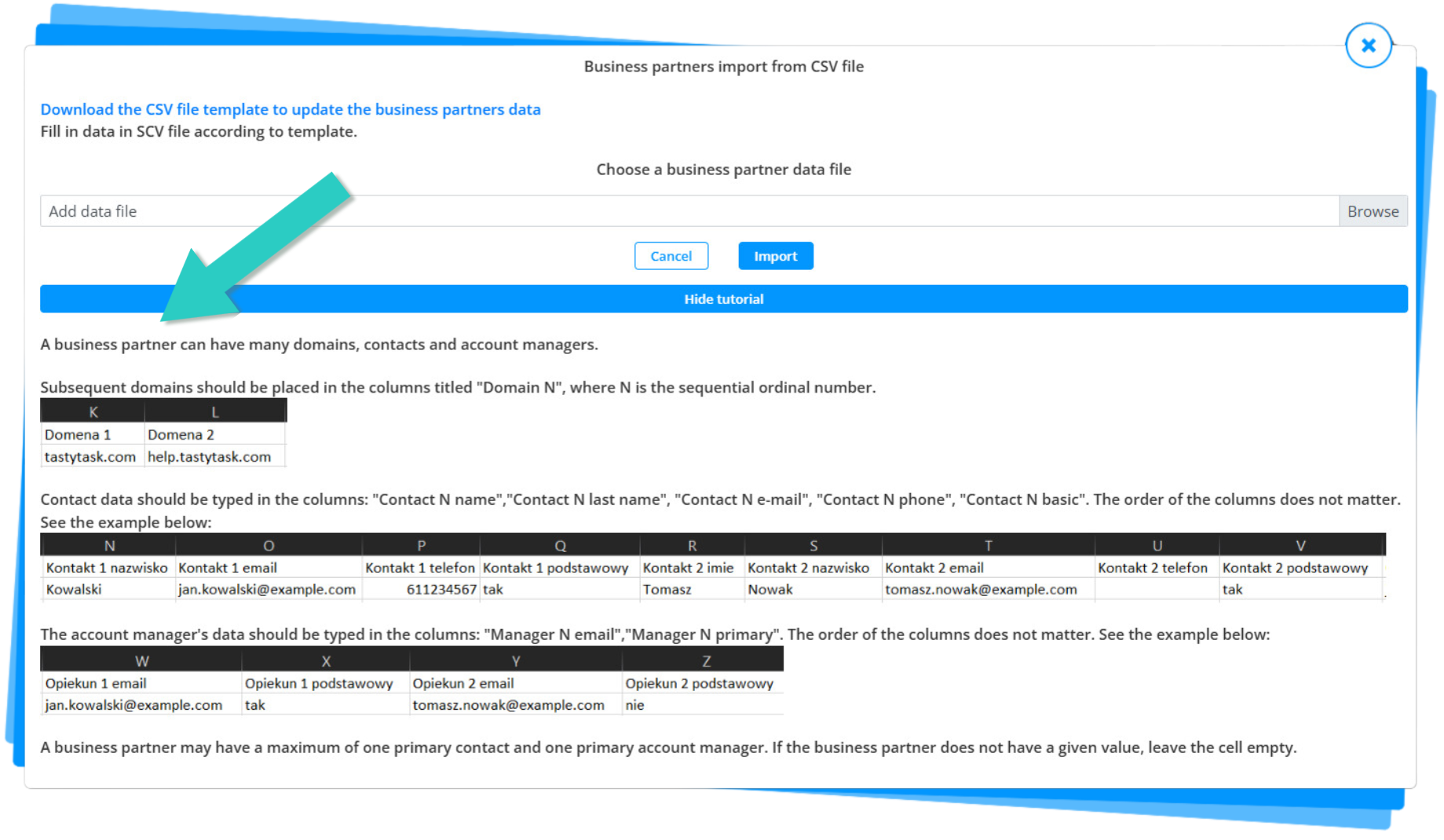
3. Fill out the downloaded file according to the instructions in the form.
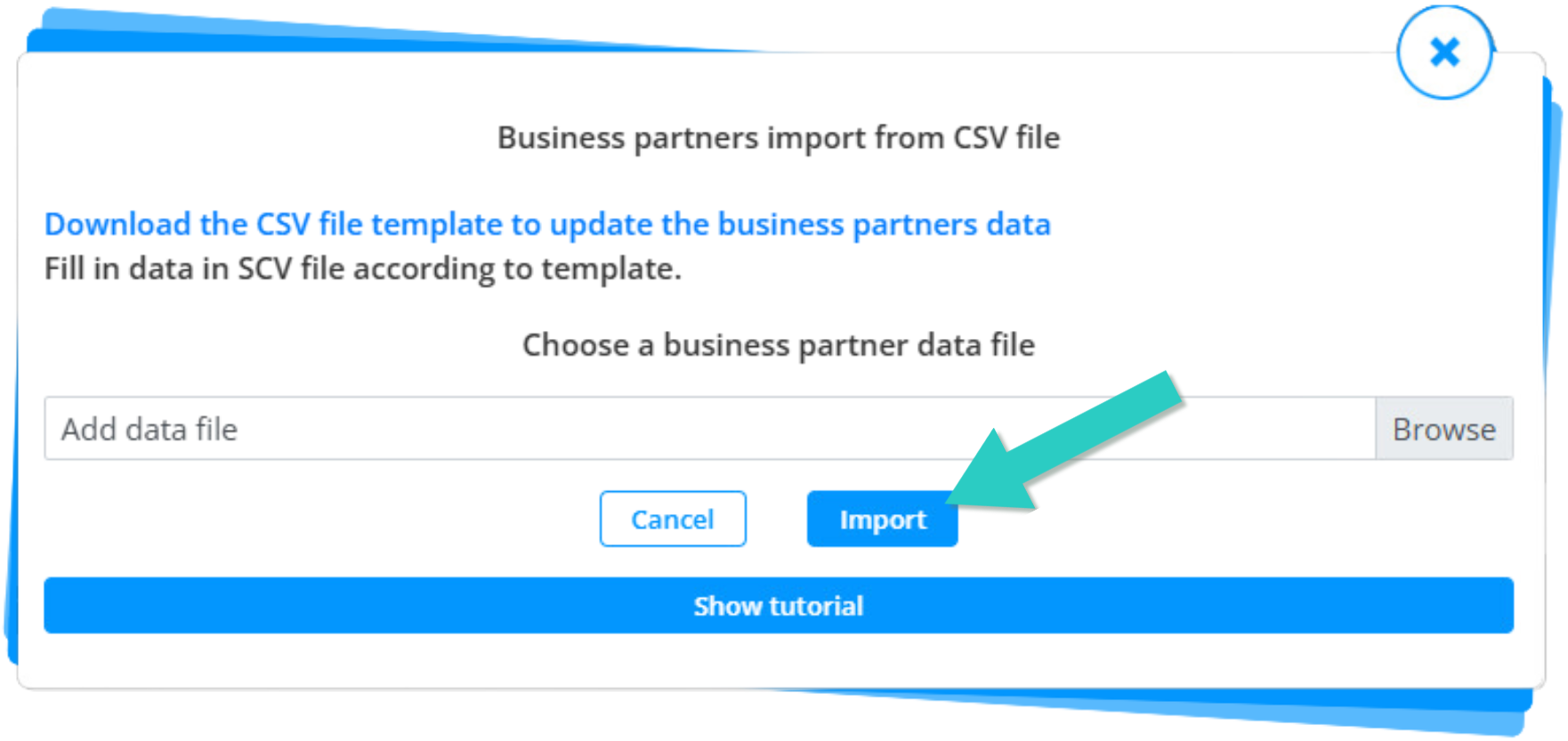
3. After completing the file, return to the form, upload the filled CSV file with business partner data and click the Import  button.
Congratulations! Your business partners have been successfully added.